The short answer
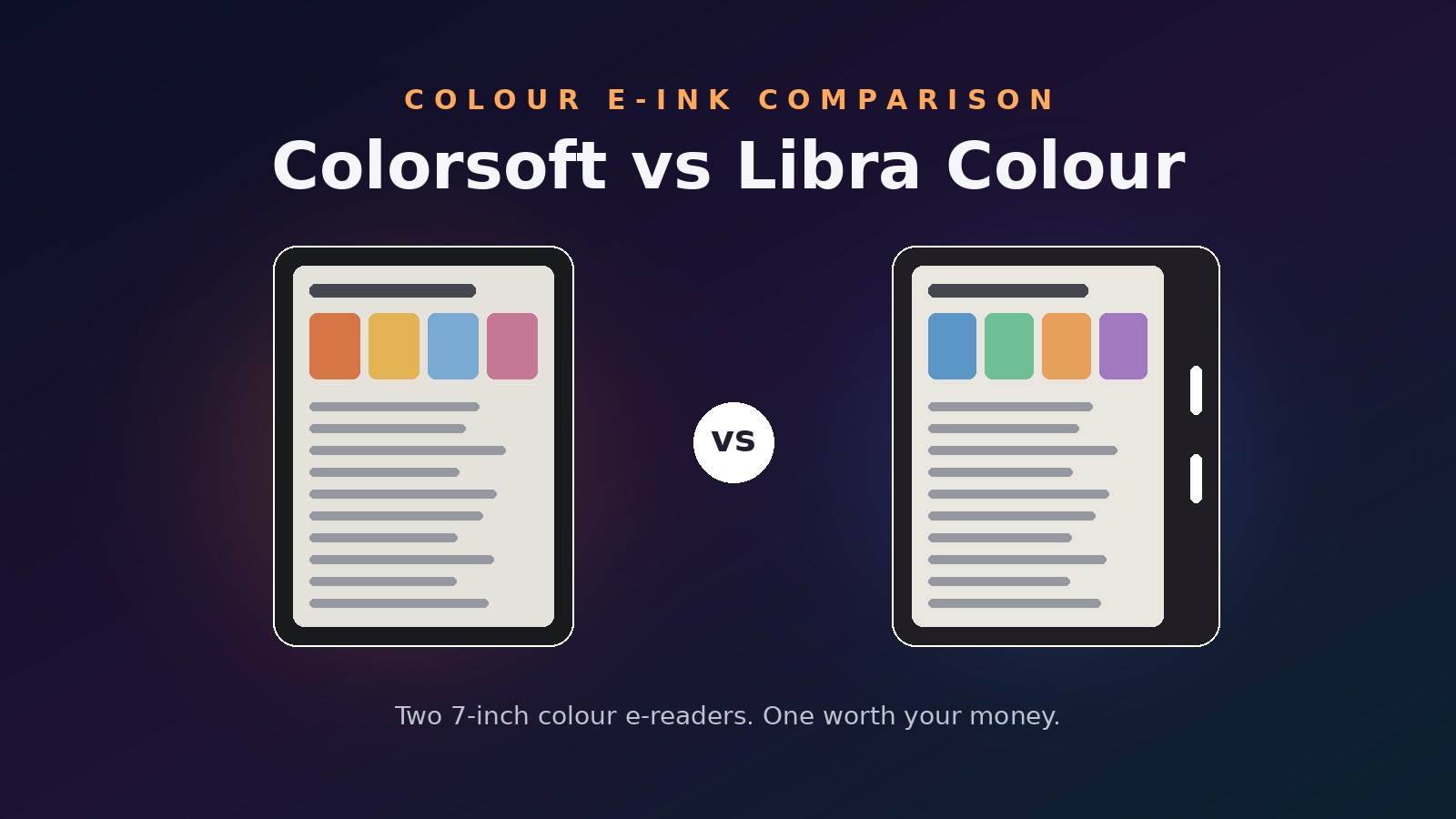
The Kobo Libra Colour at $368.95 (verified June 11, 2026) is the better colour e-reader for most Australians. It costs $30 less than the Kindle, doubles the storage, adds physical page-turn buttons, supports stylus mark-up, and borrows library books over OverDrive without touching a computer. The Kindle Colorsoft at $399.00 has the cleaner screen of the two — but the base model leaves out features Kobo includes as standard.
Buy the Kindle anyway if your book collection already lives in Amazon’s ecosystem or you pay for Kindle Unlimited. Moving years of purchases between stores is the one switching cost no spec sheet can offset. All prices in this piece are Australian dollars.
Price and the spec sheet
Colour e-ink carried an early-adopter tax when these devices launched. That tax is mostly gone: both readers now sit under $400, and the Kobo currently undercuts its own $399.95 RRP.1
| Spec | Kindle Colorsoft | Kobo Libra Colour |
|---|---|---|
| Price (verified June 11, 2026) | $399.00 | $368.95 |
| Screen | 7” colour e-ink, 300 ppi B&W / 150 ppi colour | 7” Kaleido 3, 300 ppi B&W / 150 ppi colour |
| Storage | 16 GB | 32 GB |
| Page-turn buttons | No | Yes |
| Stylus support | No | Yes (Stylus 2, sold separately) |
| System dark mode | No | Yes |
| Audiobooks | No Audible playback on this device | Kobo audiobooks via Bluetooth |
| Battery claim | Up to 8 weeks | Up to 40 days |
| Waterproofing | IPX8 | IPX8 |
| Weight | 215 g | About 200 g |
| Owner rating (Amazon AU) | 4.5 from 1,243 ratings | 4.5 from 3,835 ratings |
Two rows deserve a second look. The Kindle’s 16 GB is half the Kobo’s 32 GB, and colour content — comics, illustrated kids’ books, cookbooks — is exactly the kind of content that eats storage. And the audiobook row is not a typo: Amazon’s AU listing states plainly that this Kindle does not play Audible audiobooks, while the Kobo streams its own audiobook store over Bluetooth.2
The screens are cousins, not twins
Both panels read as 300 ppi in black and white and 150 ppi in colour, and both sit behind a colour filter layer that makes the background a shade darker than a Paperwhite. On paper they tie. In side-by-side testing they do not: reviewers who put the two devices next to each other consistently give the Colorsoft the win on clarity and colour pop, and note that ghosting — faint leftover images when the screen refreshes — shows up more on the Kobo, especially when scrolling library covers.3
That makes the Colorsoft’s panel the best colour e-ink screen you can buy in Australia right now. The caveat is what Amazon held back. The base Colorsoft has no auto-adjusting front light and no system-wide dark mode — Amazon’s own FAQ confirms dark mode is absent, offering a per-book page-colour inversion instead, and reserves the light sensor for the $449.00 Signature Edition.2
The Libra Colour answers with software. It ships with a proper system dark mode, and its warm-light adjustment covers the same white-to-amber range. If you read at night next to a sleeping partner, the Kobo’s settings get you there out of the box.
Hardware: buttons beat bezels
Pick both devices up and the design philosophies split. The Kindle is a flat, symmetrical slab — thin at 7.8 mm, but every page turn is a tap on glass. The Kobo has an asymmetric grip bar with two physical page-turn buttons and a rotation sensor, so you can hold it one-handed in either hand and click through chapters without shifting your thumb. Owners rate the recessed power button on the back as a small but real win; it is hard to press by accident in a bag.3
The Libra Colour also takes the Kobo Stylus 2 (about $77.95 on Amazon AU, verified June 11, 2026), which turns highlights into actual pen strokes and adds margin notes — useful for textbooks and PDFs. The Kindle offers nothing comparable; Amazon keeps writing for its Scribe line, which starts at $649.00.2
One hardware point to the Kindle: at 215 g it carries its weight evenly, and the flush-front glass feels more premium than the Kobo’s plastic. If you read in a case, the difference disappears.
Ecosystems: where your books live
This section decides the purchase for most people, and it has nothing to do with hardware.
The Kindle locks into Amazon: the biggest ebook store, Kindle Unlimited, and Send-to-Kindle for personal documents. If you already own a Kindle library, the Colorsoft is the only colour upgrade path that keeps your purchases. But the walls are real. Sideloading comics means converting files through Amazon’s pipeline, and the device skips Audible support entirely on the AU model.2
The Kobo plays better with others. It reads EPUB natively, opens CBR and CBZ comic files without conversion, and builds OverDrive borrowing into the device — sign in with a library card from most Australian public libraries and borrow ebooks directly from the home screen.4 For a colour device, native comic support matters more than it ever did on a monochrome reader: comics and manga are the content colour e-ink was built for.
Kobo’s store is smaller than Amazon’s and its audiobook catalogue thinner than Audible’s. The Kobo asks you to live in a smaller shop in exchange for open doors; the Kindle offers the bigger shop and locks them.
Battery, water and the long haul
Amazon claims up to 8 weeks from the Colorsoft against Kobo’s claimed 40 days, both measured at half an hour of reading per day.25 Treat both numbers as marketing-condition bests; colour rendering and front-light use pull each down in practice, and owner reports put real-world figures for both devices in the weeks-not-days bracket. Neither will have you hunting for a cable on a two-week holiday.
Durability is a wash by spec — both carry IPX8 ratings, tested for immersion in 2 m of fresh water for 60 minutes, so pool and bath reading is covered either way.21 Both charge over USB-C; the Kindle quotes roughly 2.5 hours to full with a 9 W adaptor.
The longer-haul question is support. Amazon commits to software security updates for at least 4 years from purchase on the AU model.2 Kobo has a strong record of multi-year firmware updates across its range, and its devices avoid the lock-in risk of a store-dependent reader if you sideload.
Verdict
The winner is the Kobo Libra Colour at $368.95. It is $30 cheaper, holds twice as much, turns pages with real buttons, reads comics without a conversion dance, takes a stylus, has a genuine dark mode, and borrows library books on its own. The Colorsoft’s prettier panel is real but it is one advantage against six.
The runner-up, the Kindle Colorsoft at $399.00, is the right call for two buyers: anyone with an existing Kindle library or Kindle Unlimited subscription, and anyone who wants the sharpest colour e-ink screen sold in Australia and will not miss buttons or dark mode. If Amazon discounts it back under $350 — it has run promotions on this device before — the gap narrows to a coin flip for ecosystem-neutral buyers.
Skip both if you read plain fiction. A monochrome Paperwhite at $299.00 or Kobo Clara BW gives you a crisper 300 ppi page, longer battery life and change from $300; colour panels only earn their premium if covers, comics or illustrations are part of your reading diet.2
Prices verified against Amazon Australia listings on June 11, 2026; check live listings before buying. All prices in Australian dollars.
Footnotes
-
Amazon Australia, Kobo Libra Colour product listing: price, RRP and owner ratings. Retrieved June 11, 2026. ↩ ↩2
-
Amazon Australia, Kindle Colorsoft (16 GB) product listing: price, specifications, FAQ on dark mode, Audible note, e-reader comparison table. Retrieved June 11, 2026. ↩ ↩2 ↩3 ↩4 ↩5 ↩6 ↩7 ↩8
-
The eBook Reader Blog, “Kobo Libra Colour vs Kindle Colorsoft Comparison Review,” November 2024. blog.the-ebook-reader.com ↩ ↩2
-
Rakuten Kobo, Libra Colour specifications and OverDrive support documentation. kobo.com ↩
-
Trusted Reviews, “Amazon Kindle Colorsoft vs Kobo Libra Colour,” battery and display comparison. trustedreviews.com ↩